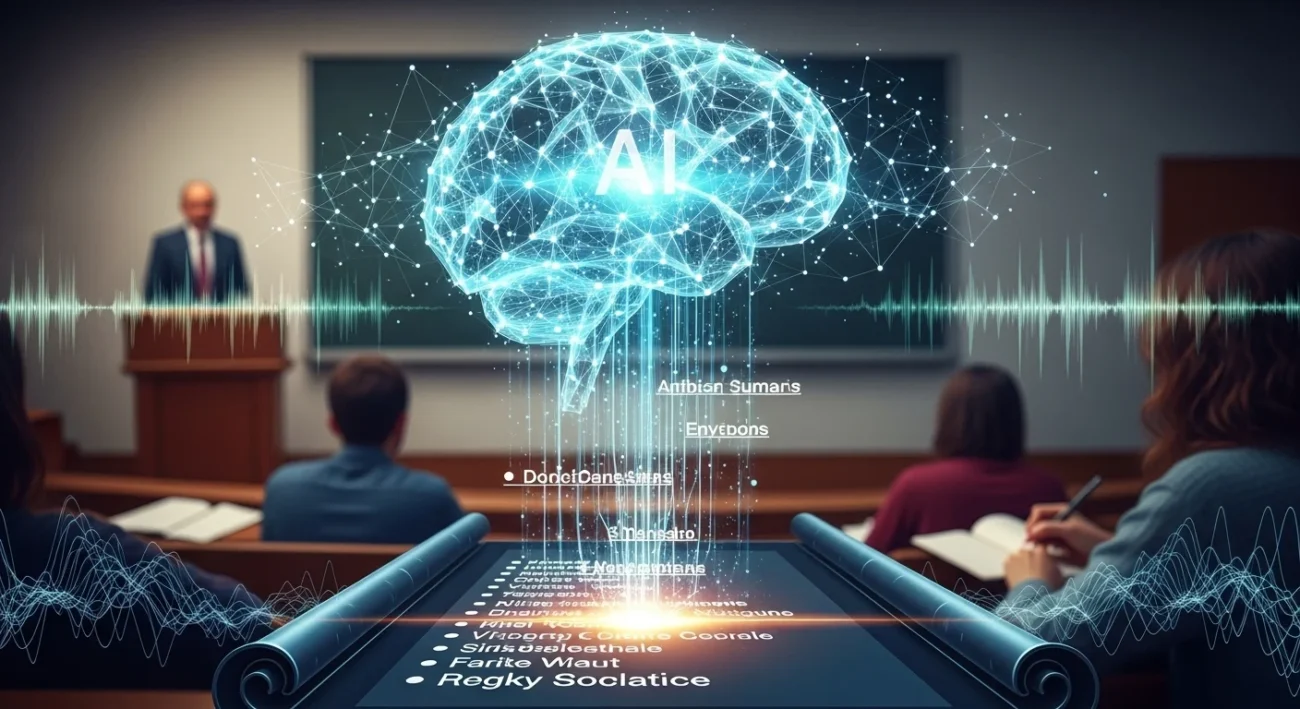
You sit through a 1-hour lecture… and end up with 10 messy pages you barely understand.
You reread them later—and still feel lost.
The old way is dead.
Manual note-taking + re-reading = slow, inefficient, and easy to forget.
Now? AI turns lectures into clean, structured summaries in minutes.
What It Is
AI for lecture summaries = tools that convert spoken or written lectures into clear, structured notes automatically.
How It Works (Simple)
- Speech-to-text converts audio → text
- NLP (Natural Language Processing) identifies key ideas
- AI organizes content into summaries, bullet points, or mind maps
👉 Result: You skip manual effort and focus on understanding
Traditional vs AI-Powered Learning
| Method | Speed | Accuracy | Effort | Retention |
|---|---|---|---|---|
| Manual Notes | Slow | Medium | High | Low |
| Rewatch Lectures | Very Slow | High | Very High | Medium |
| AI Summaries | Fast | High | Low | High |
Real-Life Scenario
You attend a 60-minute lecture.
Old way:
- Write everything
- Miss key points
- Spend 2 hours rewriting
AI way:
- Record lecture
- Upload to AI tool
- Get structured summary in 2 minutes
👉 Result: 3x faster learning, better clarity
AI Tools Related to Lecture Summaries
Here are the most relevant types of tools:
- Transcription Tools → Convert audio to text
- Summarization Tools → Turn long text into key points
- Note-Taking AI → Combine both (best option)
- Mind Mapping AI → Visual summaries
👉 You’ll usually combine 1–2 tools for best results.
Best Tools Comparison
| Tool | Best For | Key Features | Free Plan | Difficulty |
|---|---|---|---|---|
| ChatGPT | Fast summaries | Custom prompts, flexible output | Yes | Easy |
| Otter.ai | Live lectures | Real-time transcription | Yes | Easy |
| Notion AI | Organized notes | Databases + summaries | Limited | Medium |
| Fireflies.ai | Recorded meetings | Auto summaries + highlights | Yes | Easy |
| Whisper (OpenAI) | Accurate transcription | High-quality speech-to-text | Free (tech setup) | Medium |
Tool Breakdown
1. ChatGPT
Pros:
- Flexible (summaries, bullet points, explanations)
- Works with text or transcripts
Cons:
- Needs input (you must paste transcript)
Example:
Paste lecture transcript → prompt:
“Summarize this into key concepts + examples”
👉 Output: Clean, exam-ready notes
2. Otter.ai
Pros:
- Real-time transcription
- Identifies speakers
Cons:
- Summary quality can be basic
Example:
Record lecture → instant transcript → export → summarize with AI
👉 Result: Zero manual typing
Benefits
- Save hours daily → No rewriting notes
- Better clarity → AI removes fluff
- Higher retention → Structured learning sticks
- Focus on understanding → Not writing
- Multi-format learning → Notes, summaries, mind maps
👉 Bottom line: Work less, learn more
Step-by-Step System
1. Choose
Pick your tools:
- Recording: Otter / phone
- Summarizing: ChatGPT
2. Capture
Record lecture or upload file
3. Process
Convert audio → text → summary
4. Review
Quickly scan + fix errors
5. Organize
Store in folders or apps like Notion
Example Workflow
- Record lecture using Otter
- Export transcript
- Paste into ChatGPT
- Prompt: “Summarize into bullet points + key definitions”
- Save in Notion
👉 Result: Clean notes in under 5 minutes
Advanced Workflows
1. Student System
- Record lecture
- AI summary
- Convert into flashcards
Friend: “How did you prepare so fast?”
You: “AI made my notes in minutes.”
👉 Result: Better grades, less stress
2. Blogger System
- Use lecture as content
- AI turns it into article
👉 Result: One lecture = blog post
3. Meeting-to-Action System
- Record meeting
- AI extracts tasks
Manager: “Where’s the action list?”
You: “Already done.”
👉 Result: Instant productivity
Tips to Maximize
- Use clear prompts → “Summarize + examples”
- Edit lightly → Don’t trust AI blindly
- Combine tools → Transcription + summarization
- Use bullet formats → Easier to revise
- Review within 24 hours → Boost memory
Common Mistakes
- ❌ Uploading unclear audio
- ❌ Not reviewing summaries
- ❌ Using only one tool
- ❌ Copy-pasting without understanding
👉 Fix these = instant improvement
Future Outlook (2027 Trends)
- Real-time AI summaries during lectures
- Voice-controlled note-taking assistants
- Auto-generated quizzes from lectures
- AI tutors explaining summaries instantly
👉 Learning will become faster and personalized
FAQs
1. Is AI accurate for lecture summaries?
Yes, but always review for mistakes.
2. Can I use it for any subject?
Yes—works for science, business, humanities.
3. Do I need paid tools?
No, free tools are enough to start.
4. Is recording lectures allowed?
Depends on your institution—always check.
5. How long does it take?
Usually 2–5 minutes per lecture.
6. Can AI replace note-taking completely?
Almost—but reviewing is still important.
7. What’s the best tool combo?
Otter + ChatGPT (simple and effective)
Conclusion
The shift is simple:
From: Writing everything manually
To: Letting AI do the heavy lifting
You save time, improve clarity, and learn faster.
👉 Start small:
Pick one tool → summarize one lecture → test the system.
That’s all it takes to upgrade how you learn in 2026.
Read more
AI to Convert Handwritten Notes (2026 Guide): Best Tools + Step-by-Step System
AI for Class Notes (2026): Best Tools, Workflow & Study System
AI Timetable Generator 2026: Best Tools & Smart Scheduling Guide

Jimmy Watson is a specialist in AI-driven content systems, SEO strategy, and digital productivity. He creates data-informed, high-performance content designed to rank, convert, and deliver real value. His work focuses on leveraging AI to improve learning, streamline workflows, and build scalable online opportunities.