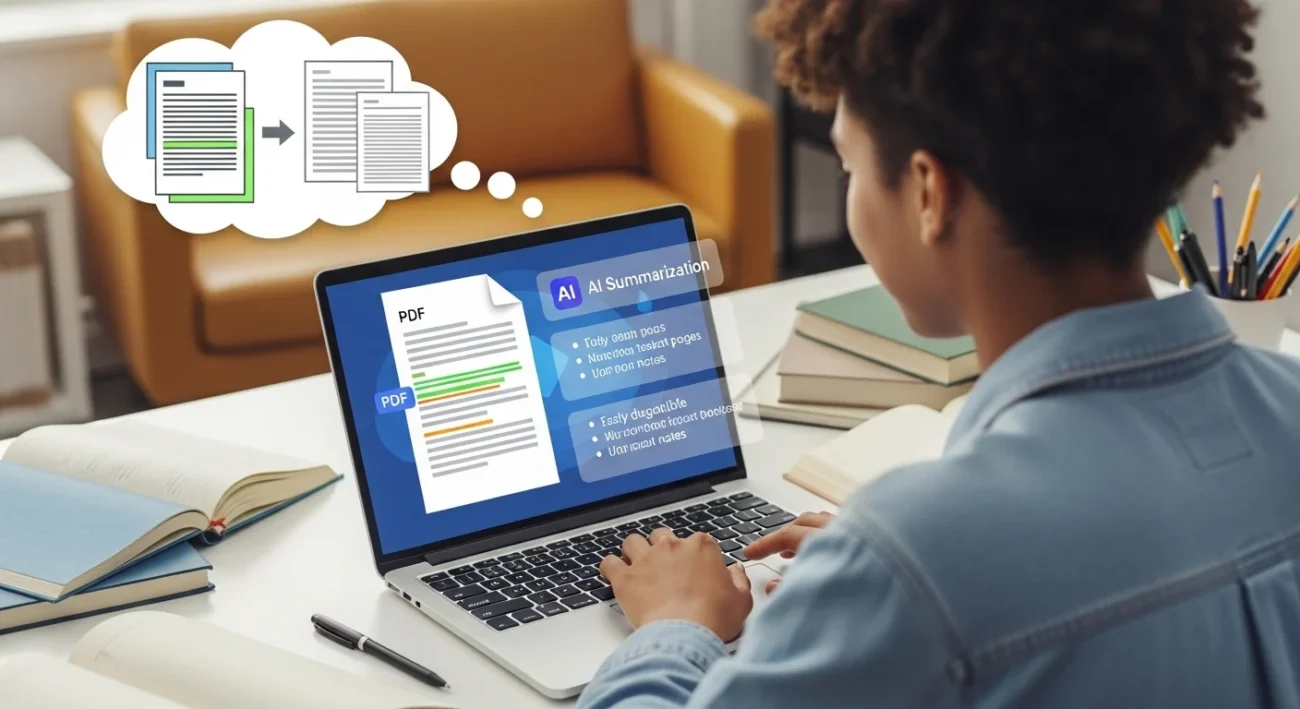
You open a 60-page PDF… and instantly lose motivation.
Highlighting takes forever. Notes get messy. And by the time you’re done, you barely remember anything.
The old way of reading PDFs is dead.
In 2026, students don’t read everything—they extract what matters using AI.
Instead of wasting hours, you can summarize entire PDFs in minutes, understand key ideas instantly, and actually remember what you study.
What It Is (And How It Works)
AI PDF summarization uses machine learning models (like NLP—Natural Language Processing) to scan documents, understand meaning, and extract key points.
Instead of reading line-by-line, AI:
- Identifies main ideas
- Removes fluff
- Converts content into summaries, bullet points, or notes
Traditional vs AI-Powered Study
| Method | Time | Retention | Effort |
|---|---|---|---|
| Manual reading | Slow | Medium | High |
| Highlighting | Slow | Low | Medium |
| AI summarization | Fast | High | Low |
👉 Result: What used to take 2 hours now takes 10–15 minutes.
Real-Life Scenario
You have a 40-page biology PDF.
- Old way: Read everything → highlight → forget half
- AI way: Upload → get summary → review key points → done
👉 You save time AND understand more.
AI Tools Related to PDF Summarization
Here are the most useful tools students are using right now:
- ChatGPT → Best all-in-one summarizer + explanation tool
- QuillBot → Great for paraphrasing summaries
- Scholarcy → Best for academic papers
- Notion AI → Organize + summarize in one place
- Humata AI → Ask questions directly from PDFs
Best Tools Comparison
| Tool | Best For | Key Features | Free Plan | Difficulty |
|---|---|---|---|---|
| ChatGPT | All-purpose | Summaries, Q&A, explanations | Yes | Easy |
| Scholarcy | Research papers | Smart summaries, references | Limited | Easy |
| Notion AI | Organization | Notes + summaries combined | Yes | Medium |
| Humata AI | PDF interaction | Ask questions, instant answers | Yes | Easy |
Tool Deep Dive
1. ChatGPT
Pros:
- Explains concepts simply
- Custom summaries (short, detailed, bullet points)
- Works for any subject
Cons:
- Needs good prompts
- File limits on free plan
Example:
Upload a history PDF → ask:
“Summarize this in bullet points with key dates.”
👉 Output: Clean, exam-ready notes.
2. Scholarcy
Pros:
- Extracts key findings automatically
- Great for scientific papers
Cons:
- Less flexible than ChatGPT
- Focused on academic content
Example:
Upload a research paper → get:
- Summary
- Key points
- References
👉 Perfect for assignments.
Benefits of AI PDF Summarization
- Save hours daily → No more reading everything
- Better understanding → Focus on key ideas only
- Faster revision → Review summaries before exams
- Less mental fatigue → No overload from long texts
- Higher productivity → Study smarter, not harder
Step-by-Step System (That Actually Works)
1. Choose
Pick your tool (start with ChatGPT).
2. Capture
Upload your PDF or paste text.
3. Process
Use prompts like:
- “Summarize this in bullet points”
- “Explain like I’m a beginner”
- “Give key exam points”
4. Review
Read summary + ask follow-up questions.
5. Organize
Store notes in Notion or Google Docs.
Example Workflow
Biology Chapter PDF:
- Upload to ChatGPT
- Prompt: “Summarize and highlight key terms”
- Ask: “Explain photosynthesis simply”
- Save notes in Notion
👉 Result: Full chapter mastered in 20 minutes
Advanced Workflows (Pro-Level Systems)
1. Student System
- Summarize PDF
- Turn into flashcards
- Quiz yourself
Dialogue:
Friend: “You studied all that already?”
You: “No, I just summarized it and reviewed key points.”
👉 Result: Faster revision, higher scores
2. Blogger System
- Extract insights from PDFs
- Convert into blog posts
👉 One PDF = multiple content pieces
3. Meeting-to-Action System
- Upload lecture notes
- Ask AI for action points
Dialogue:
You: “What should I focus on?”
AI: “These 5 topics are most important.”
👉 Clear priorities instantly
Tips to Maximize Results
- Be specific with prompts (“exam notes” > “summarize”)
- Break large PDFs into chunks
- Ask follow-up questions
- Use multiple tools together
- Review summaries actively (don’t just read)
Common Mistakes to Avoid
- Blindly trusting summaries → Always review
- Using vague prompts → Leads to weak output
- Skipping understanding → Don’t just memorize
- Overloading with tools → Stick to 1–2
Future Outlook (What’s Coming Next)
- Real-time PDF tutoring (AI explains as you read)
- Voice-based summarization
- Auto-generated quizzes from PDFs
- Deep personalization based on your learning style
👉 Studying will become interactive, not passive
FAQs
1. Is AI PDF summarization accurate?
Mostly yes, but always double-check key points.
2. Can I use it for exams?
Yes—for studying and revision.
3. Is it free?
Most tools offer free plans.
4. Which tool is best for beginners?
ChatGPT.
5. Can AI replace reading completely?
No—but it reduces unnecessary reading.
6. Does it work for all subjects?
Yes—science, history, business, etc.
7. Is it allowed in school?
Depends on your institution—use responsibly.
Conclusion
The shift is simple:
Stop reading everything → Start extracting what matters.
AI PDF summarization helps you:
- Save time
- Understand faster
- Study smarter
👉 You don’t need 10 tools.
Start with one—like ChatGPT—and build your system from there.
Read more:
AI for Research Papers: From Overwhelmed to Published Faster in 2026 (Complete System)
AI for School Assignments: Stop Struggling, Start Finishing Faster (2026 Guide That Actually Works)

Jimmy Watson is a specialist in AI-driven content systems, SEO strategy, and digital productivity. He creates data-informed, high-performance content designed to rank, convert, and deliver real value. His work focuses on leveraging AI to improve learning, streamline workflows, and build scalable online opportunities.